QA Sphere 26W22 Release
New Features
-
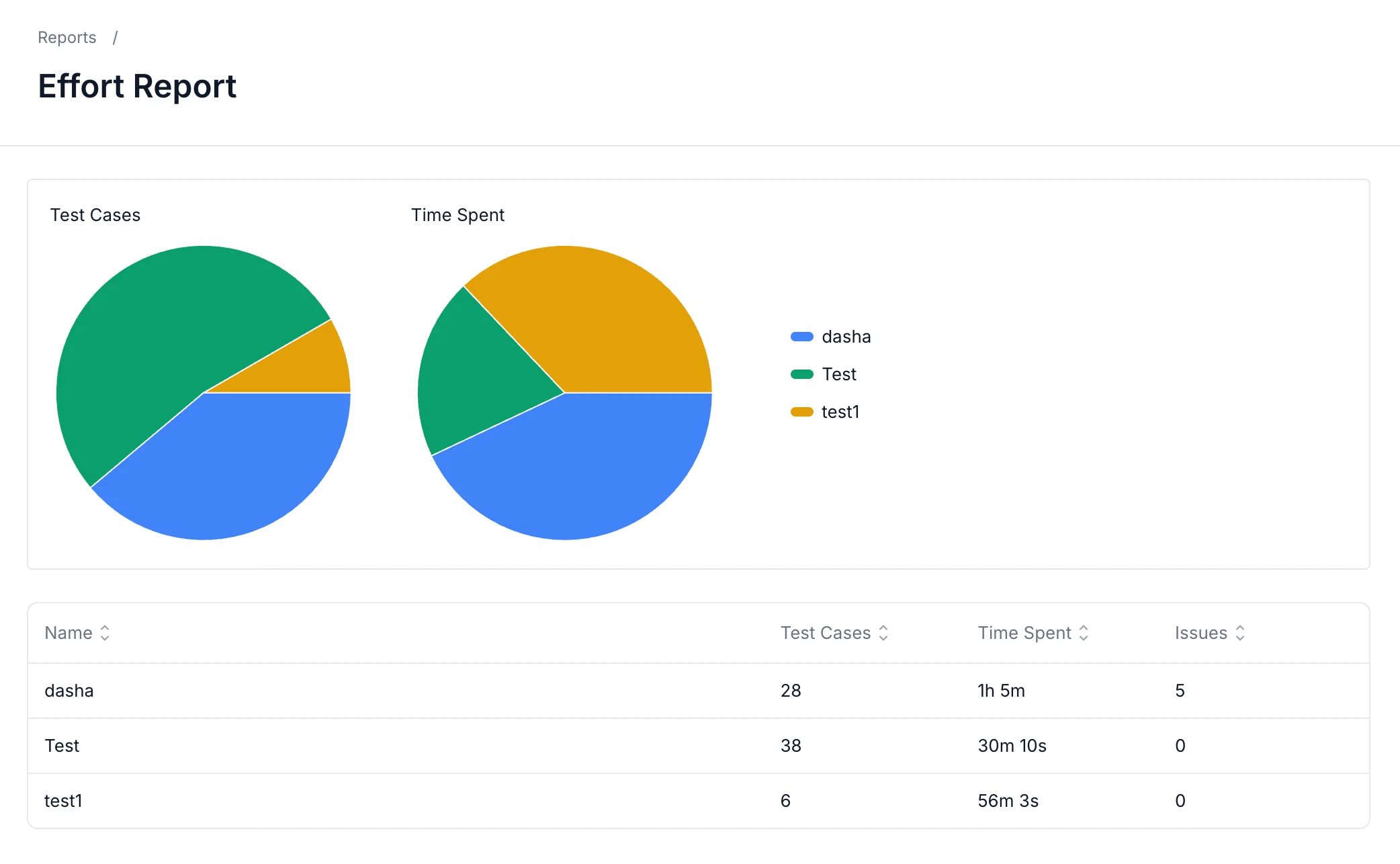
Improved Effort by Team Member Report
The Effort by Team Member report now includes pie charts, making it easier to understand workload distribution and time spent across team members.
-
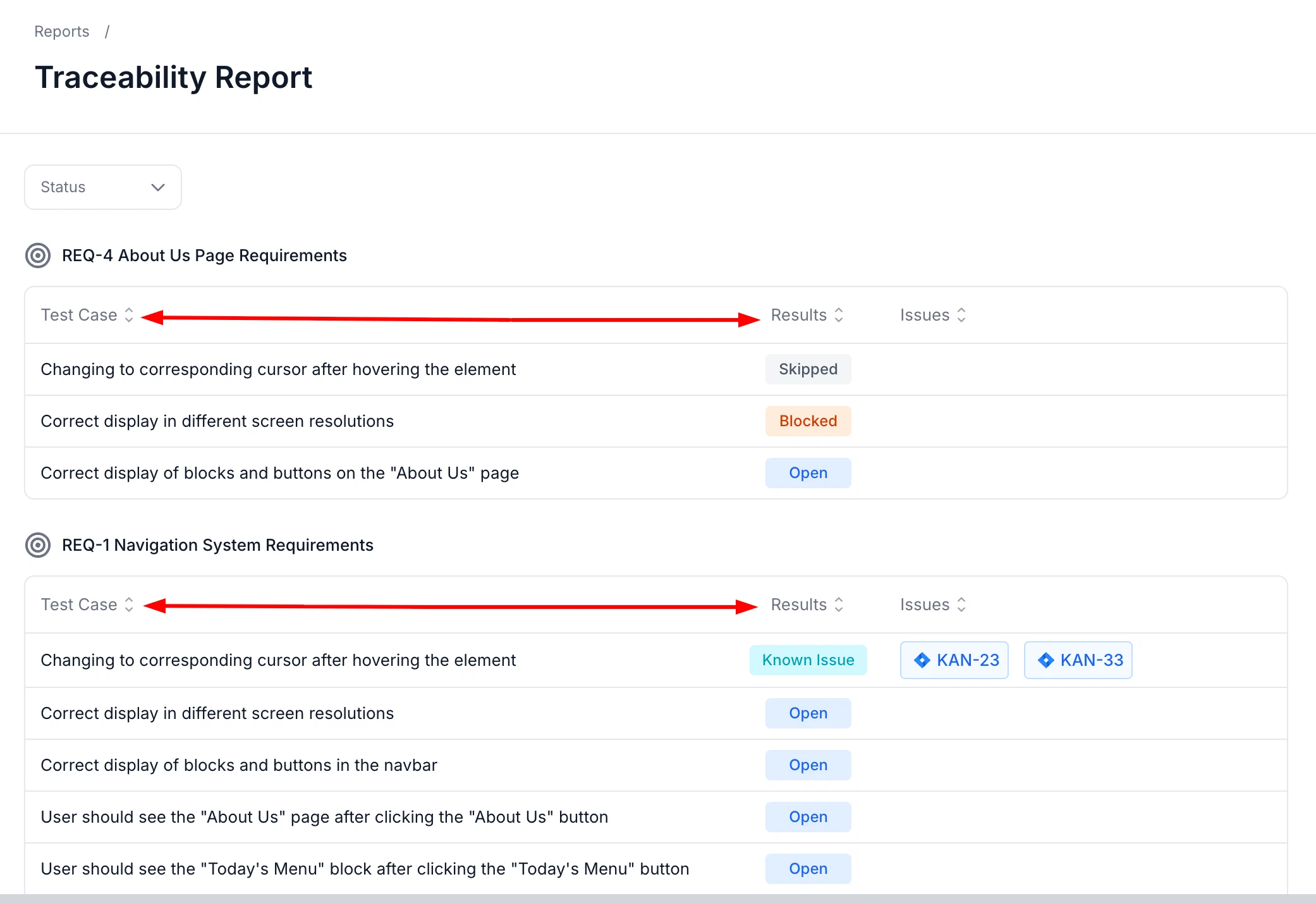
Improved Report Sorting
You can now sort data in more reports, helping you quickly find and compare the information that matters most.
-
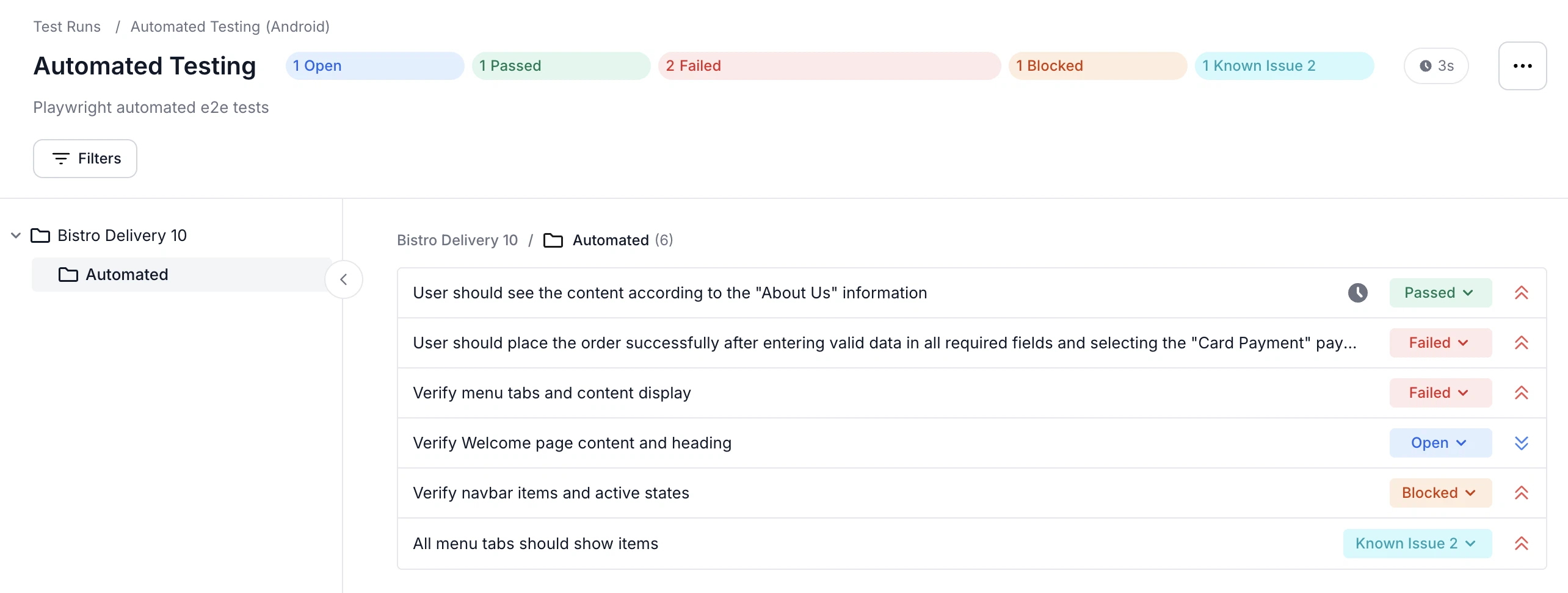
Improved Test Run Progress Visibility
Status counts are now displayed directly in Test Run progress bars for quicker visibility.
-
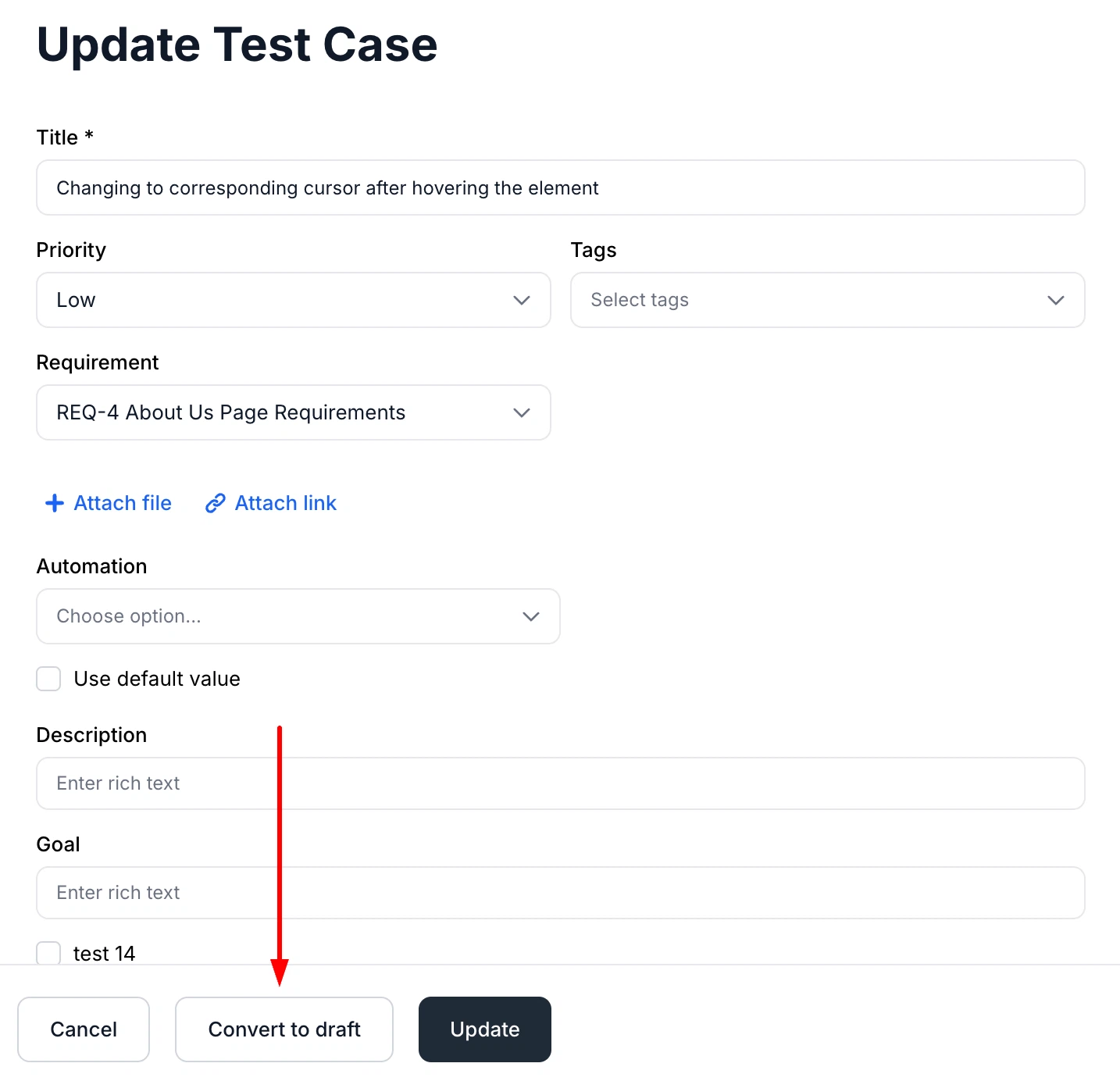
Save Published Test Cases as Drafts While Editing
You can now convert published test cases back to Draft directly from the editor.
-
Improved Duplicate Detection for Copied Test Cases
Improved AI duplicate detection to recognize copied test cases and folders more accurately.
-
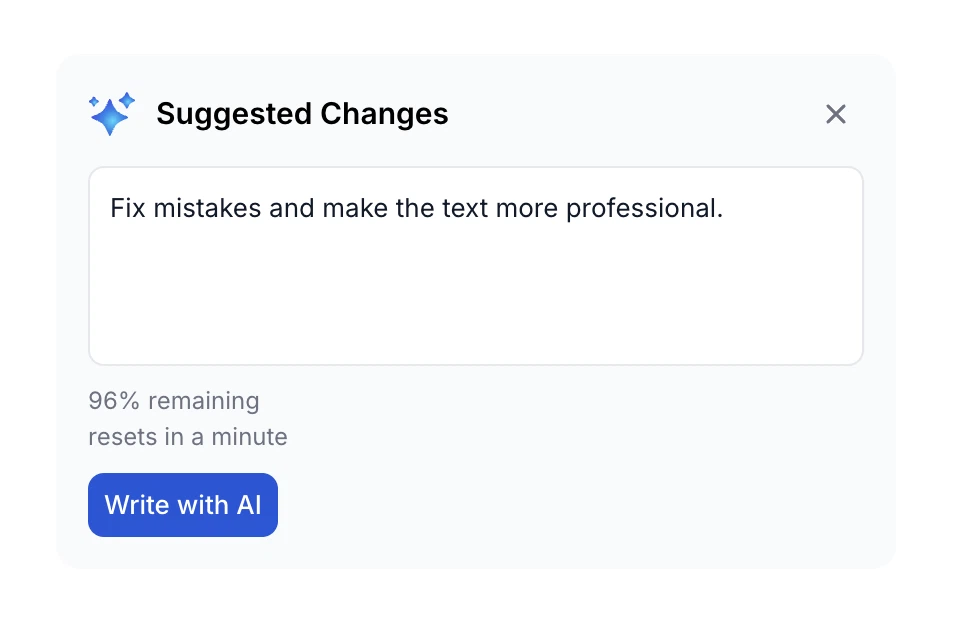
Improved AI Usage Tracking
AI usage limits are now shown as percentages, with clearer visibility into remaining usage and reset timing.
-
Added New Slack Run Notification Triggers
Added new Slack notification events for test runs, test plans, and milestones to improve visibility into testing progress and status changes.
-
Added Jira Service Account Support
QA Sphere now supports Jira service accounts, providing more flexibility when configuring Jira integrations.
-
Improved Audit Logs for Integrations and Webhooks
Added more detailed audit log entries for integrations and webhooks.
-
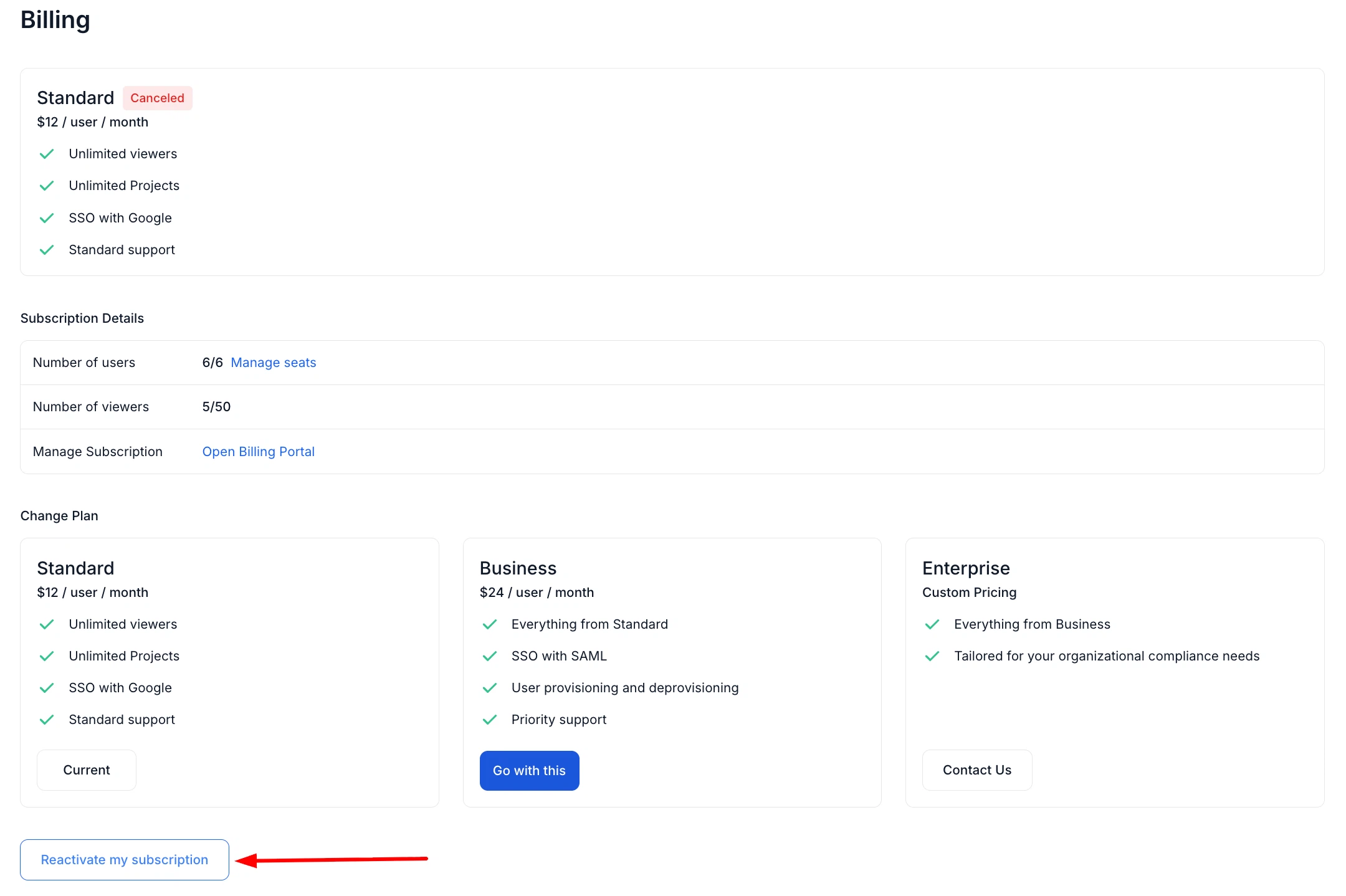
Subscription Reactivation
You can now restore a canceled subscription directly from the Billing page without having to select a plan again.
-
Extended SAML 2.0 SSO Support
Added user-facing configuration for SAML 2.0 SSO, enabling Enterprise customers to manually configure SAML SSO for easier, more visible management.
-
SCIM 2.0 Support
Added SCIM 2.0 support for automated user provisioning, user updates, and account lifecycle management.
Fixes
This release also includes dozens of targeted improvements across the app.
- Fixed incorrect Git project counts displayed on the Integrations page.
- Fixed loader alignment on the Bulk Write with AI page.
- Fixed an issue where subscription changes were not displayed immediately after an update.
We're building QA Sphere to stay fast, reliable, and modern—without the bloat. Have questions or feedback? Drop us a note at [email protected].